What's in the Box and Device Tour
Identify the items in the Serenity kit and learn the controller’s ports, controls, and status indicators.
Package Contents
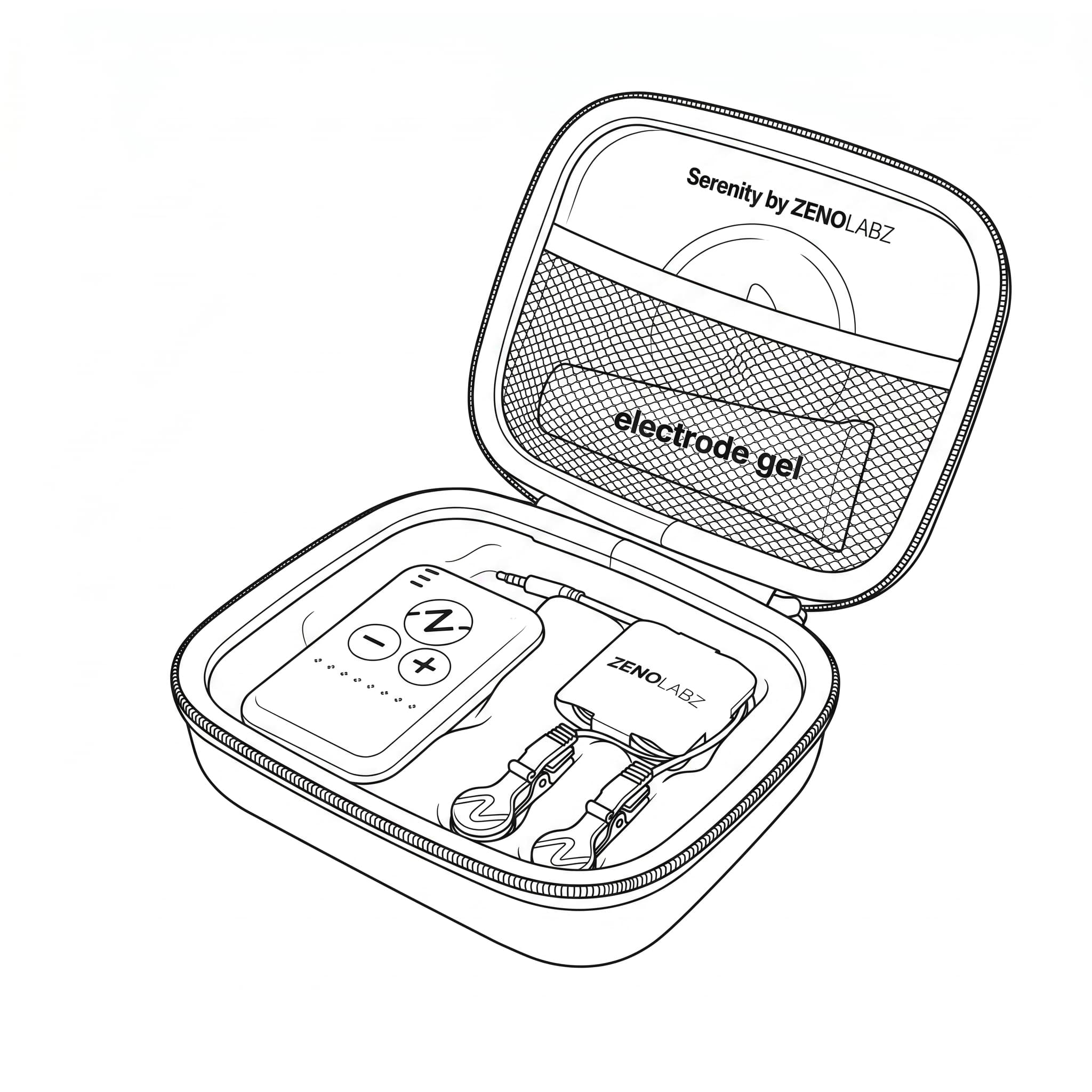
Your Serenity kit should include:
- Serenity controller
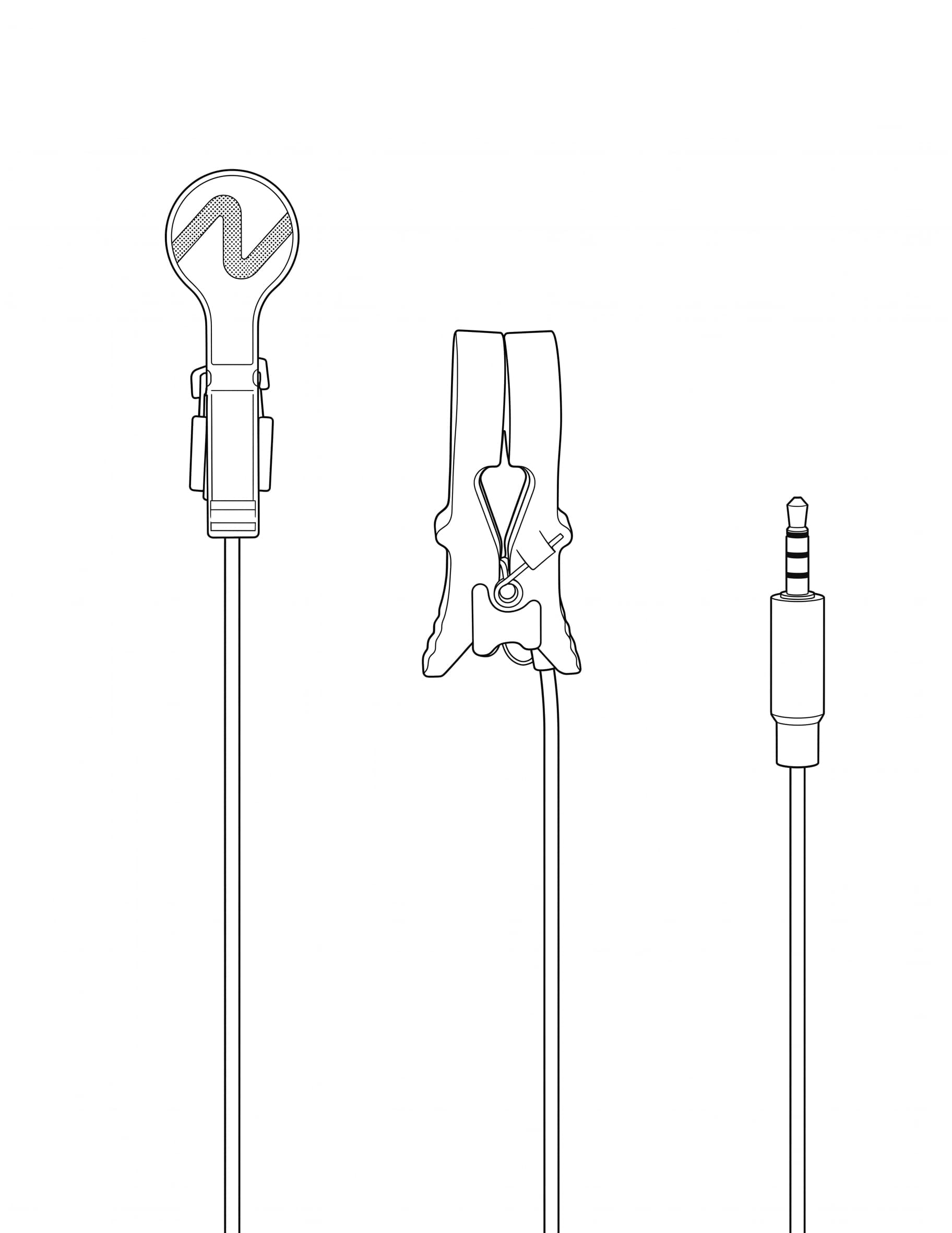
- Electrode cable with two earlobe clips
- Conductive gel
- USB-C charging cable
- Carrying case
If an item is missing or damaged, do not begin a session. Contact Zeno Labz for assistance.
Controller Tour
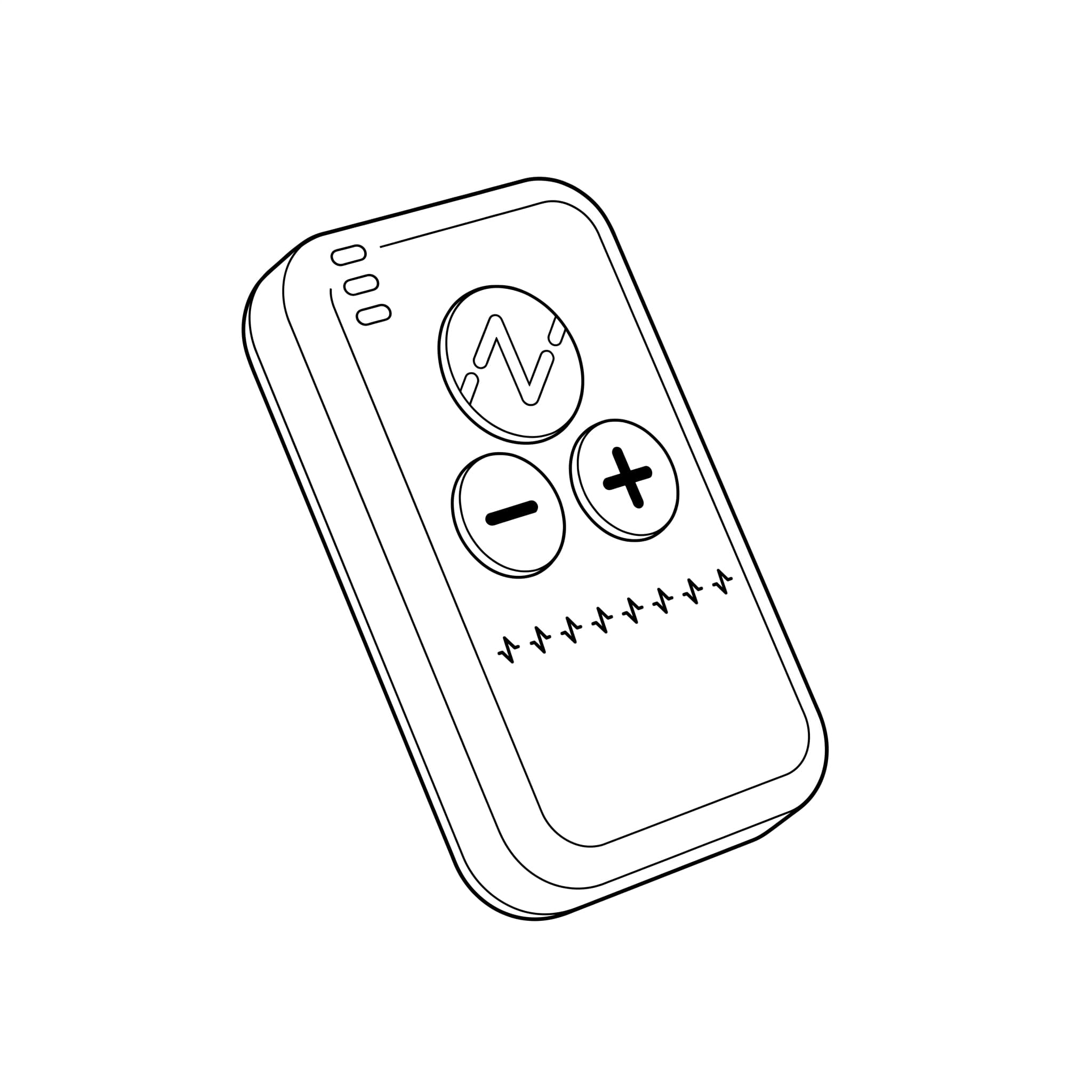
Session Controls
- Z button: Starts a session and ends an active session early.
- Plus (+) button: Increases stimulation intensity.
- Minus (–) button: Decreases stimulation intensity.
Ports
- USB-C port: Connects the charging cable.
- Stimulation port: Connects the electrode cable.
Status Indicators
- Green pulsing: A session is active.
- Red blinking: Electrode contact is poor or requires attention.
- Blue flashing: The controller is adjusting automatically.
- Battery bars: Show charging progress and low-battery status.